AI photo editor for iPhone
Edit photos by saying so.
Tell Mod Foto what you want in plain words (dramatic skies, purple hair, photobombers erased) and watch it happen. No editing skills required.



How it works
No sliders. No layers. Just words.
-
1
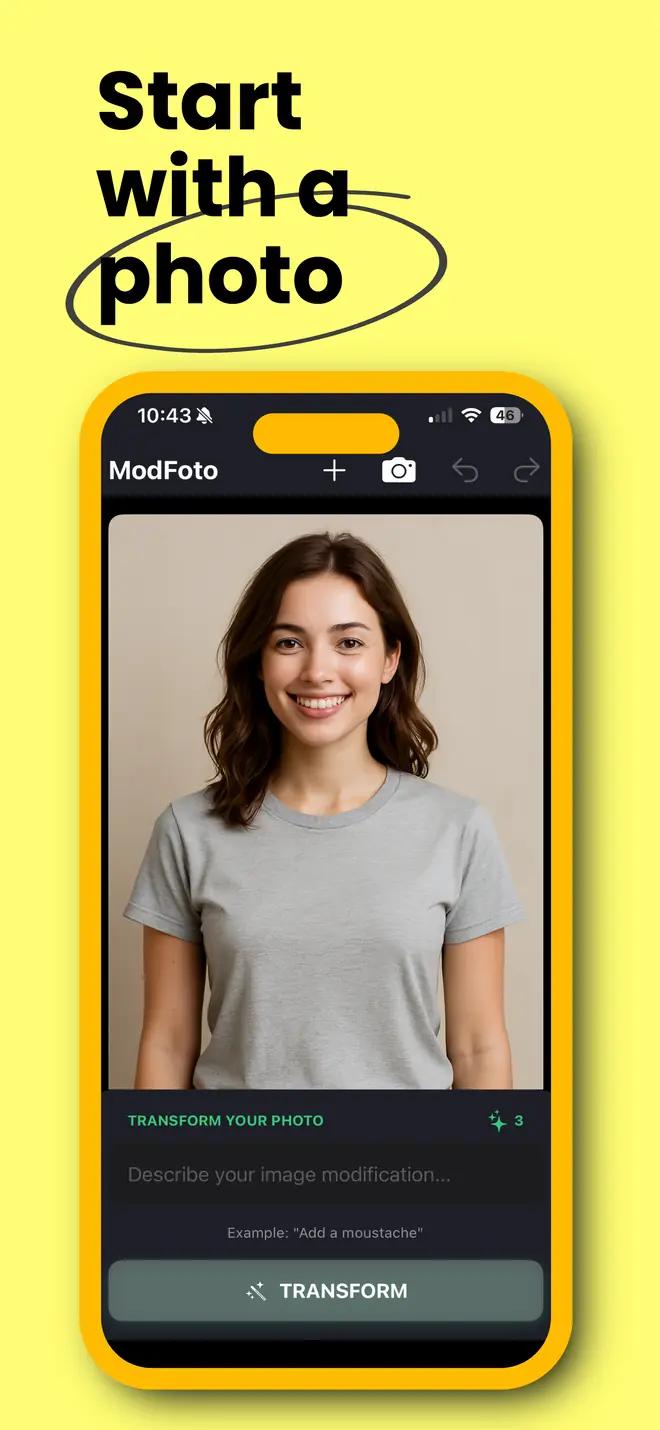
Pick a photo
Choose one from your library, or snap a fresh one with the camera.
-
2
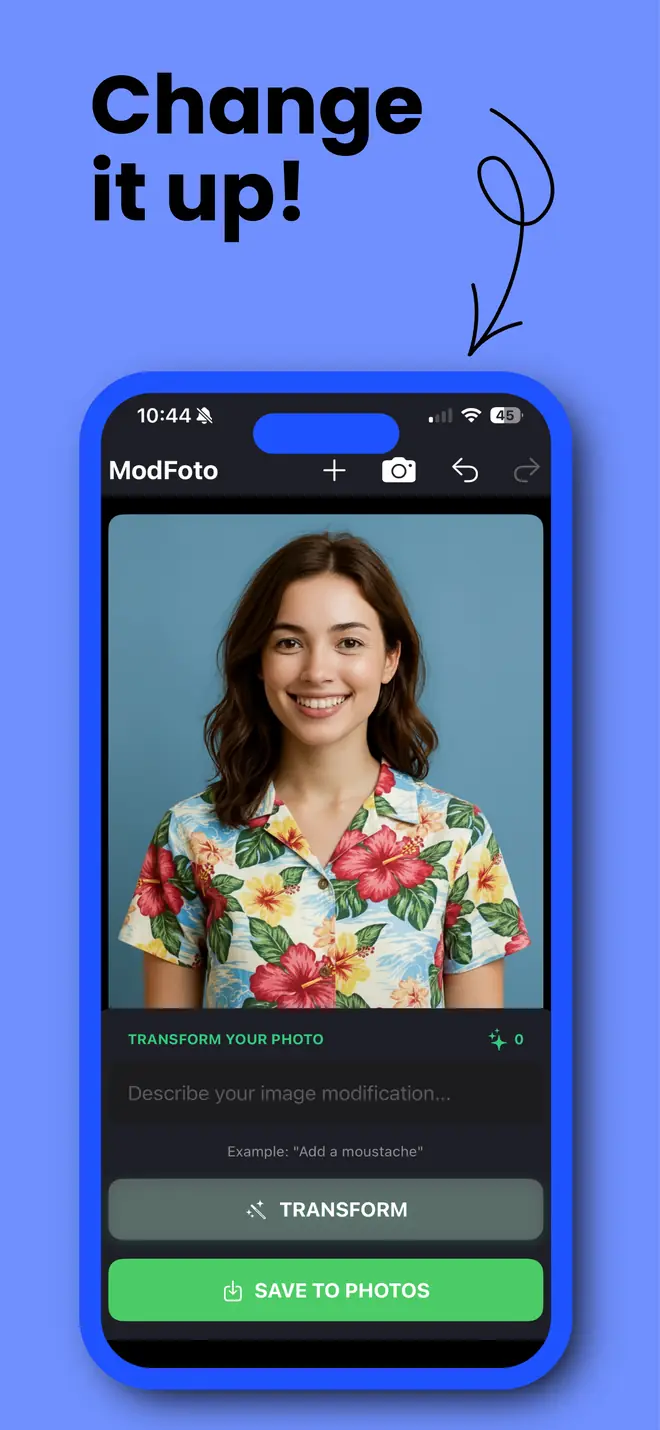
Say what you want
Type the change in plain words and tap Transform. That's the whole tutorial.
-
3
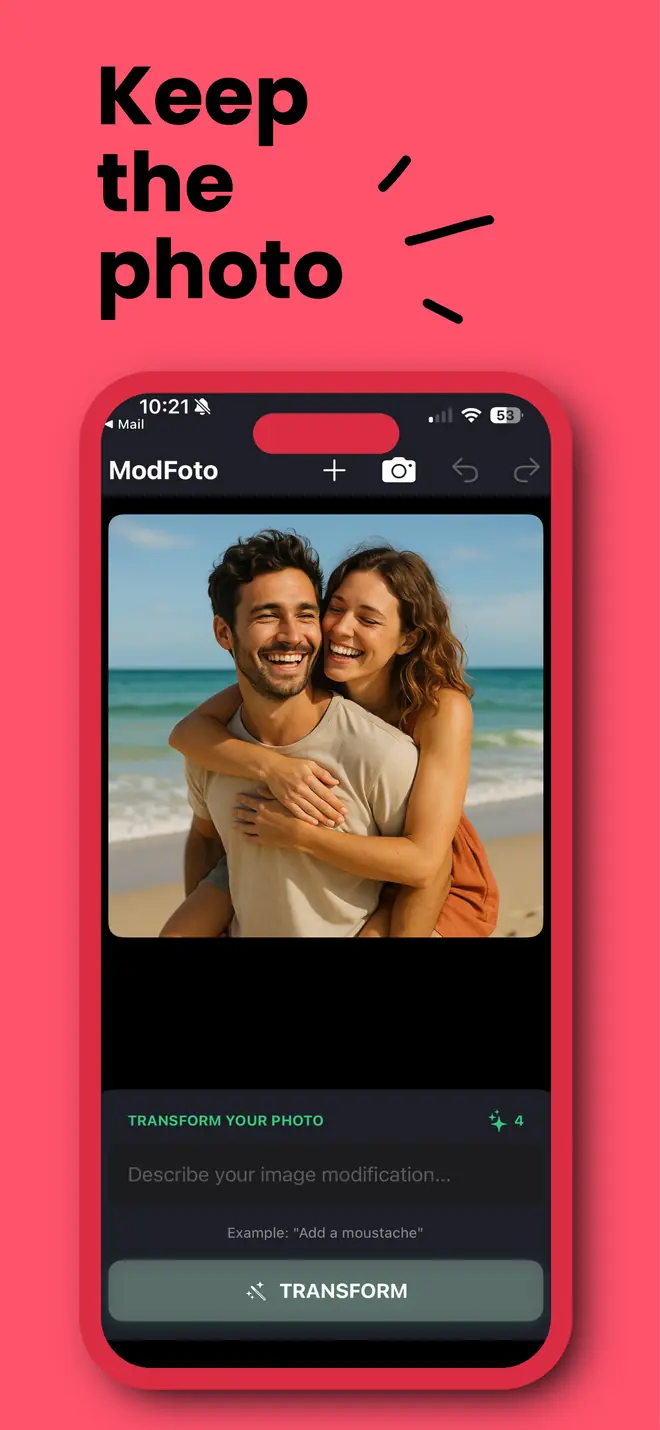
Keep it, or keep going
Save it to Photos, stack another edit on top, or undo and redo until it's right.
Ideas
Fix it. Or get weird.
Fix it
The edits you'd normally need a pro (or an afternoon) for.
- Make the sky more dramatic
- Remove the people in the background
- Change my hair color to purple
- Erase the photobombing seagull
- Add a moustache
Get weird
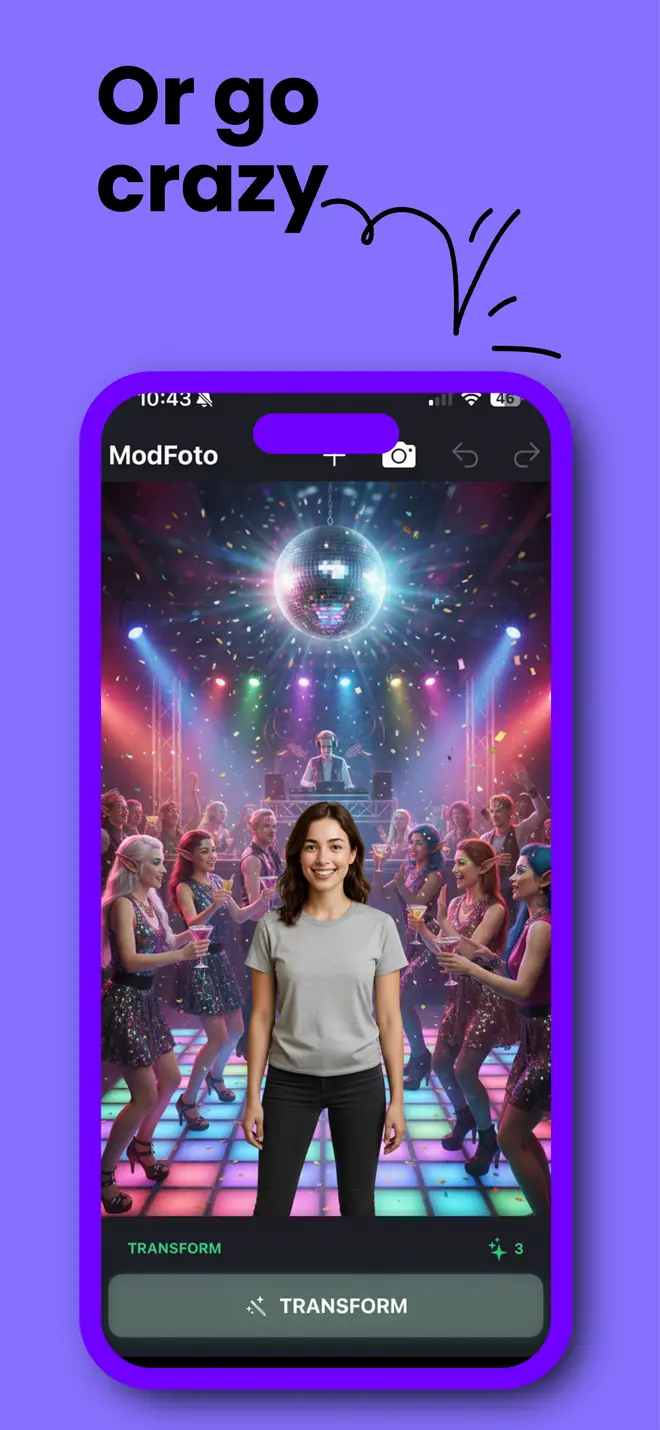
For the group chat. Your friends will want to know how.
- Turn my living room into outer space
- Make it rain tacos
- Give me dragon wings
- Send us to ancient Rome
- Add cute puppies
It's AI, so results vary. Didn't nail it? Undo and try different words.
Real edit
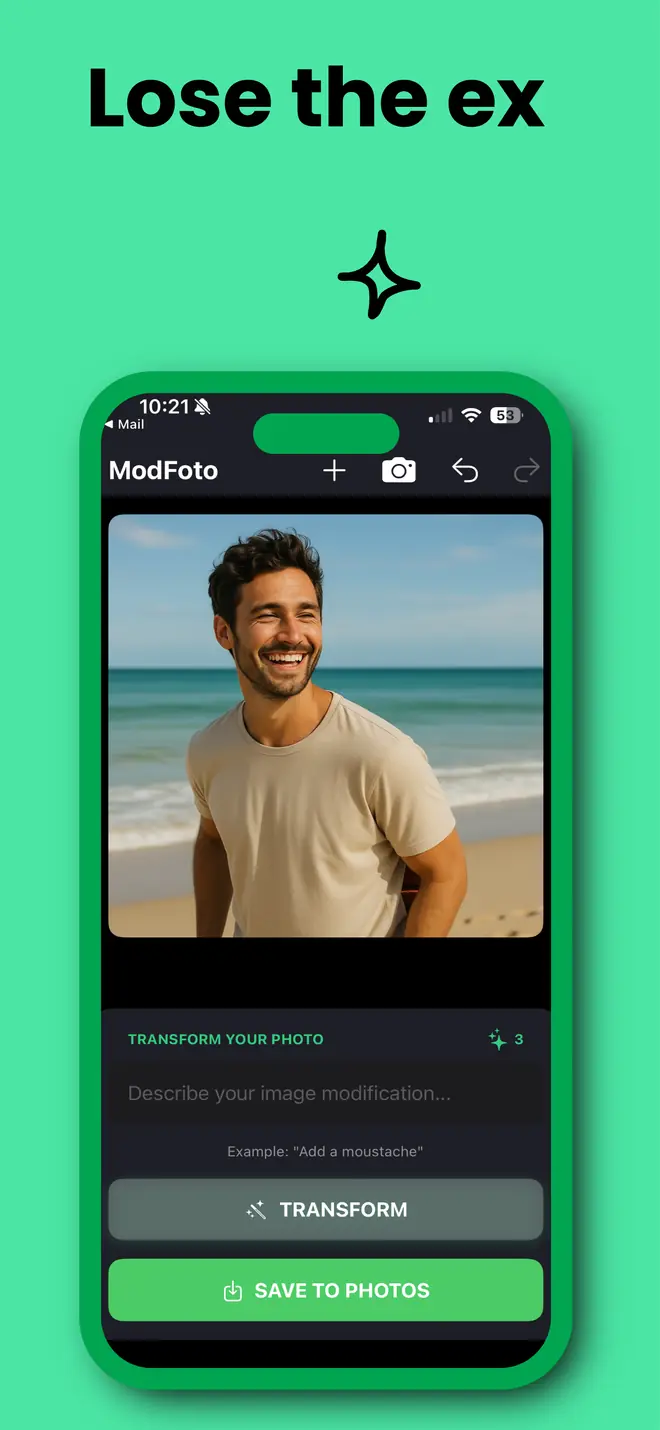
Lose the ex.
Great beach shot, wrong company? Ask Mod Foto to remove her and the photo is his alone. Same waves, same grin.
PromptRemove the woman
Drag the handle to compare.


Built in
Right where your photos live.
Works inside the Photos app
Already looking at the shot? Don't switch apps. The Mod Foto extension runs right in Photos and uses the same credits.
- Open a photo
- Tap Edit
- Tap •••
- Choose Mod Foto
No account needed
Open it and start editing. No sign-up, no email, no password.
Undo and redo
Every version is kept while you work. Step back and forth freely.
Stack edits
Each prompt builds on the last result, so you can refine one step at a time.
Save to Photos
One tap puts the finished edit in your library, ready to share.
Pricing
Pay per edit. No subscription.
You start with 10 free credits. One credit is one edit. Top up only if you want more.
- 10credits $0.99about 10¢ an edit
- 25credits $1.99about 8¢ an edit
- Best value 100credits $6.99about 7¢ an edit
- If an edit fails, your credit comes back.
- Undo, redo and saving are always free.
- US prices shown. Your App Store may differ.
Screens
One screen. That's the app.
Questions
Good to know.
Do I need to create an account?
No. Open the app and start editing. There's no sign-up, email or password.
How do credits work?
Each successful edit uses one credit. You get 10 free to start, and packs begin at $0.99 for 10. If an edit fails, the credit is returned. Undo, redo and saving never cost a thing.
Does it work offline?
No. Edits are made by an AI model in the cloud, so you'll need an internet connection. Your photo is sent for processing when you tap Transform.
What if I don't like the result?
Tap undo and try new words. Being specific helps: "make the sky stormy and dark purple" gets you further than "better sky".
What do I need to run it?
An iPhone running iOS 18 or later. Mod Foto is rated 13+ on the App Store.
Your camera roll is about to get weird.
Free to download, with 10 edits on the house.